
Guides, workflows and deep dives into photogrammetry on macOS.
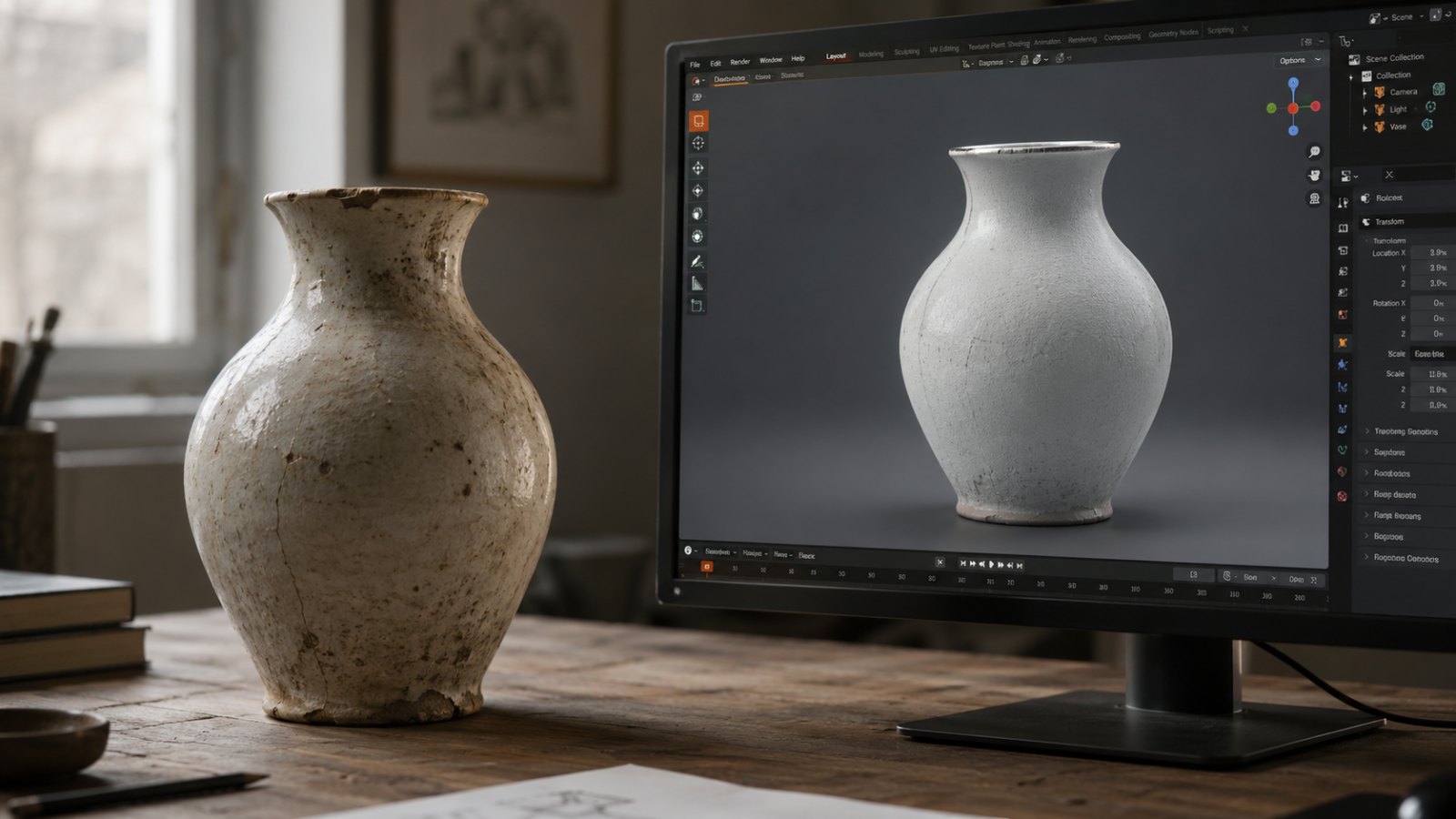
AI 3D got really good in 2026 — and the line between generated geometry and measured geometry hasn't moved. Here is which jobs each method owns, and the hybrid pattern that uses both.
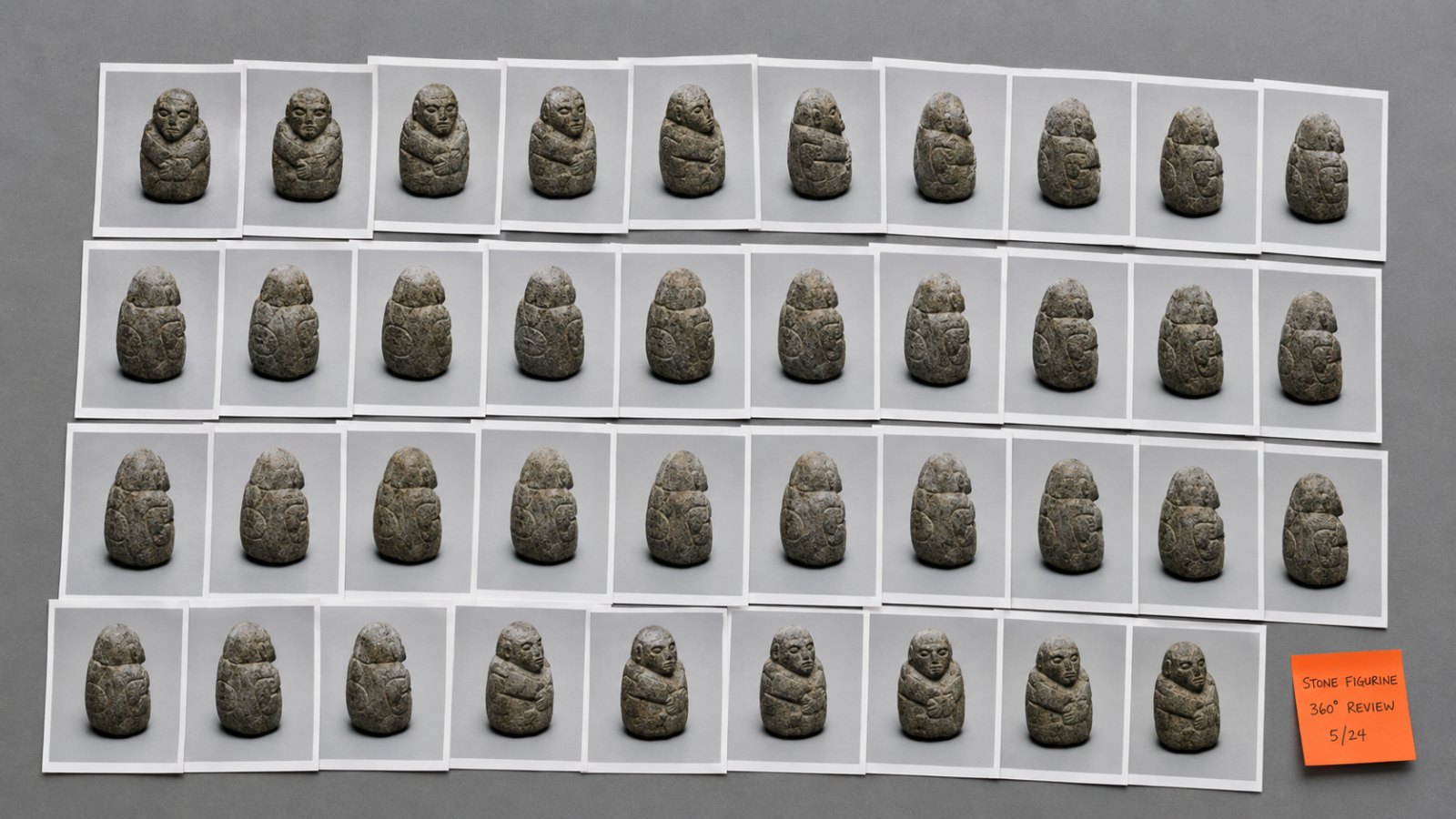
A practical table of photo counts by scene size, plus the reason photo count alone is a misleading metric — and why 60–80% overlap is the number you actually need to hit.
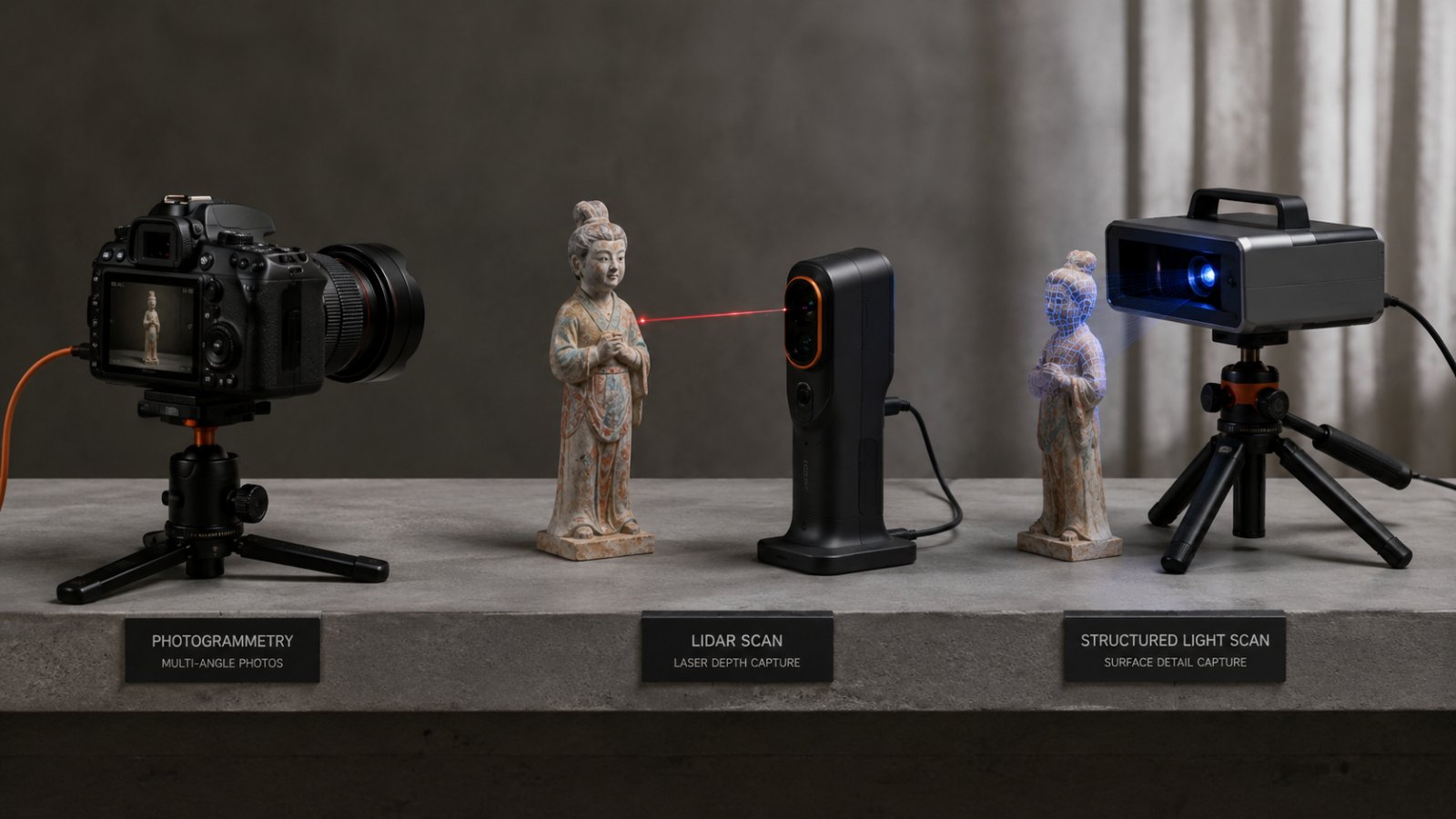
"3D scanning" is an umbrella term for four very different technologies. Here is how photogrammetry, LiDAR, structured light, and time-of-flight actually compare — and why iPhone LiDAR is not always the better camera mode you think it is.
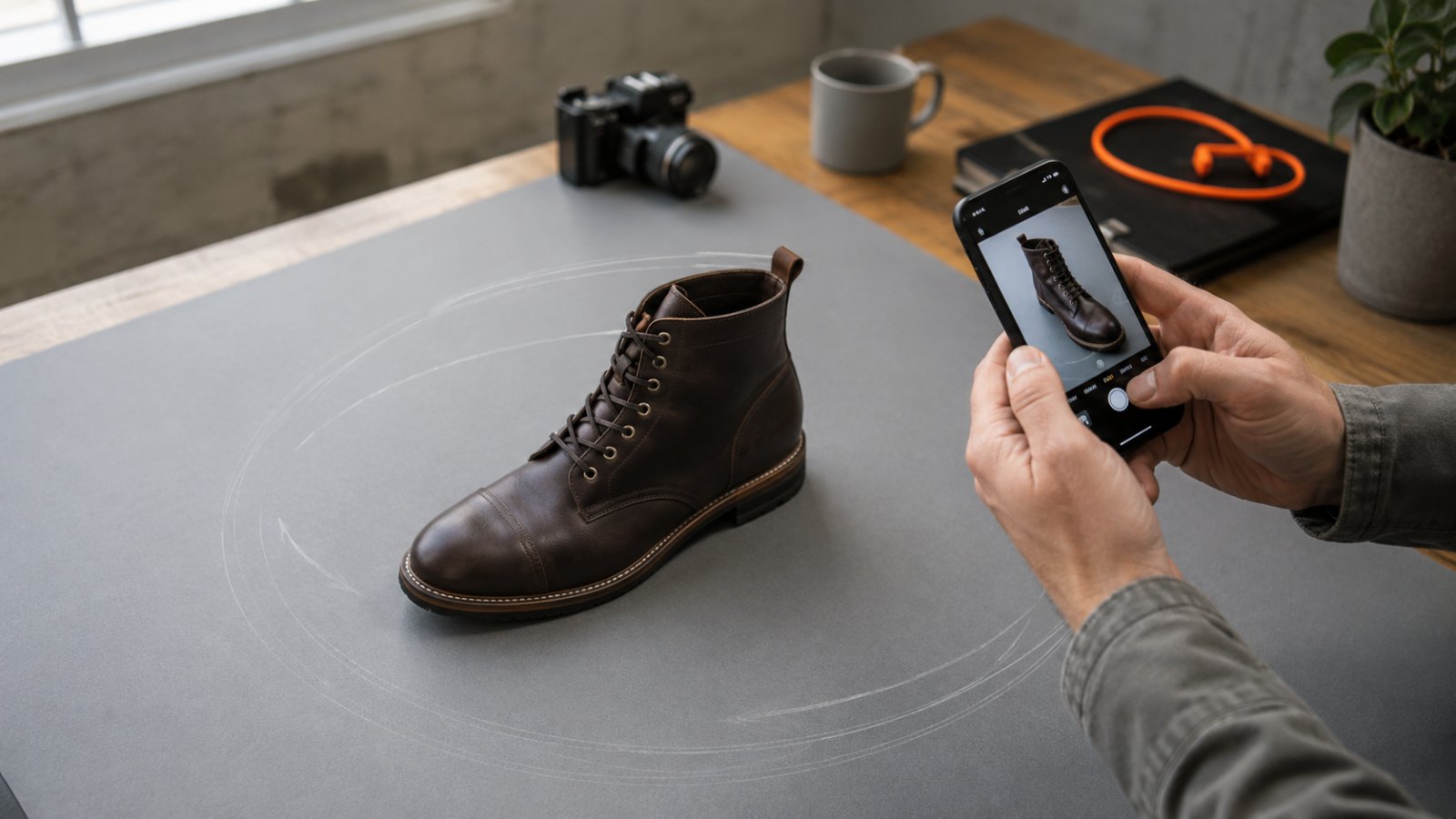
Three rings, three heights, 70% overlap and exposure locked — the concrete capture loop that takes you from an object on a desk to a watertight 3D mesh, plus the triage list for when the first scan looks broken.
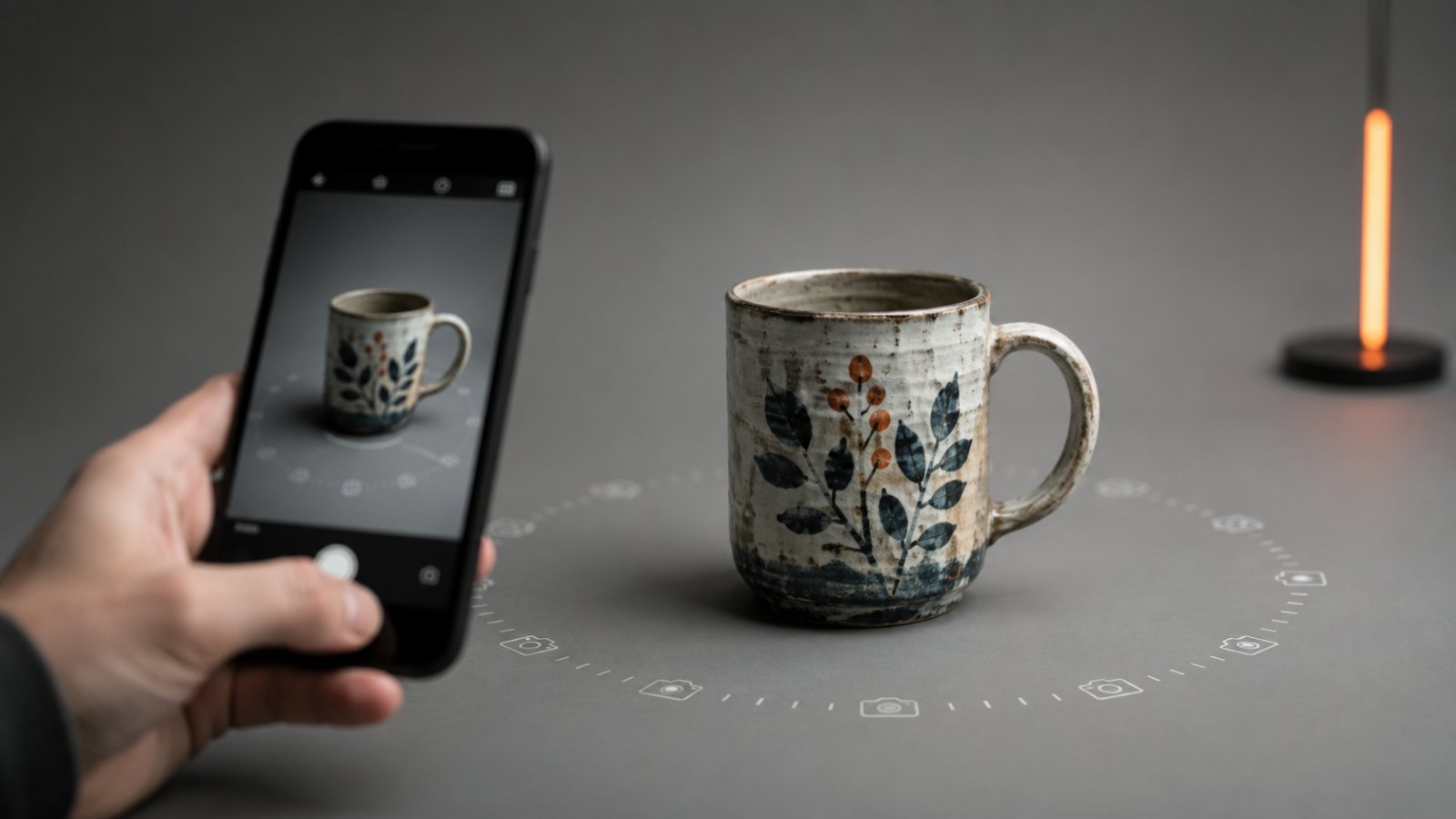
Photogrammetry turns ordinary photos into a measurable 3D model — no lasers, no LiDAR, no special hardware. Here is how it works, what it produces, and what it is not.
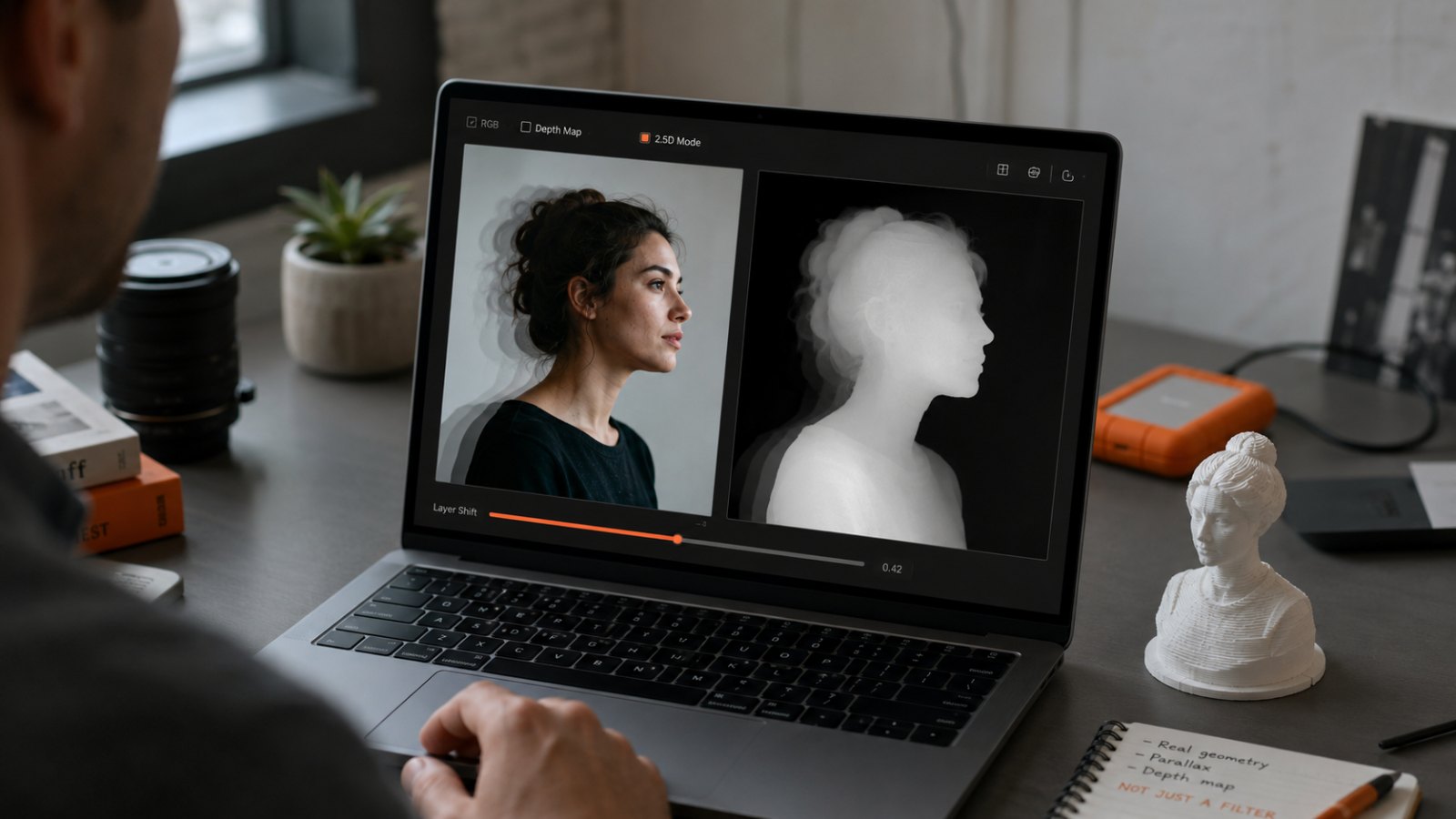
LeiaPix rebranded to Immersity AI and the free unlimited workflow is gone. Here are the free depth-map tools that replace it — and an honest answer to when you actually need real 3D instead.
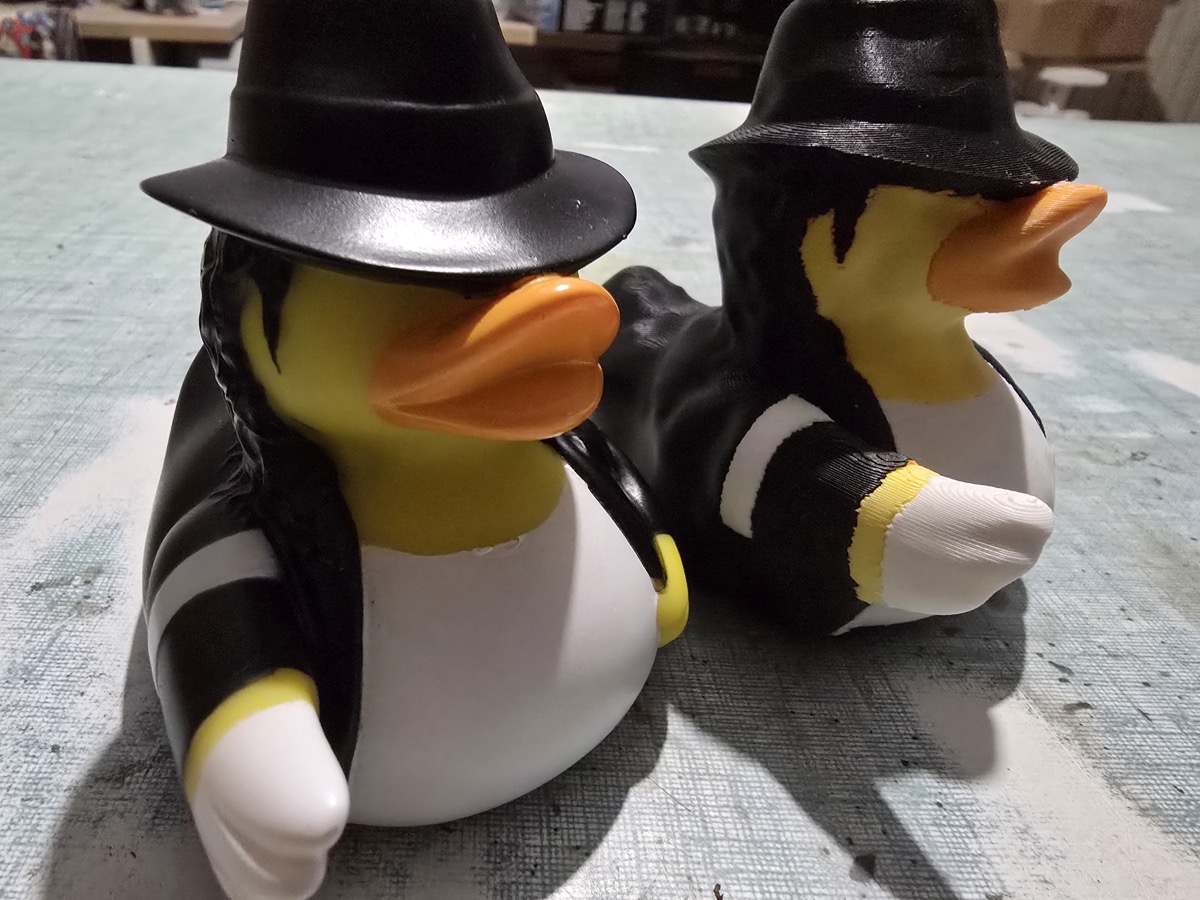
ByteDance shipped Seed3D 2.0 in April. Meshy v6 added multi-color print and an API playground. The AI 3D ceiling is higher than ever — and the three jobs photogrammetry still owns haven't moved.
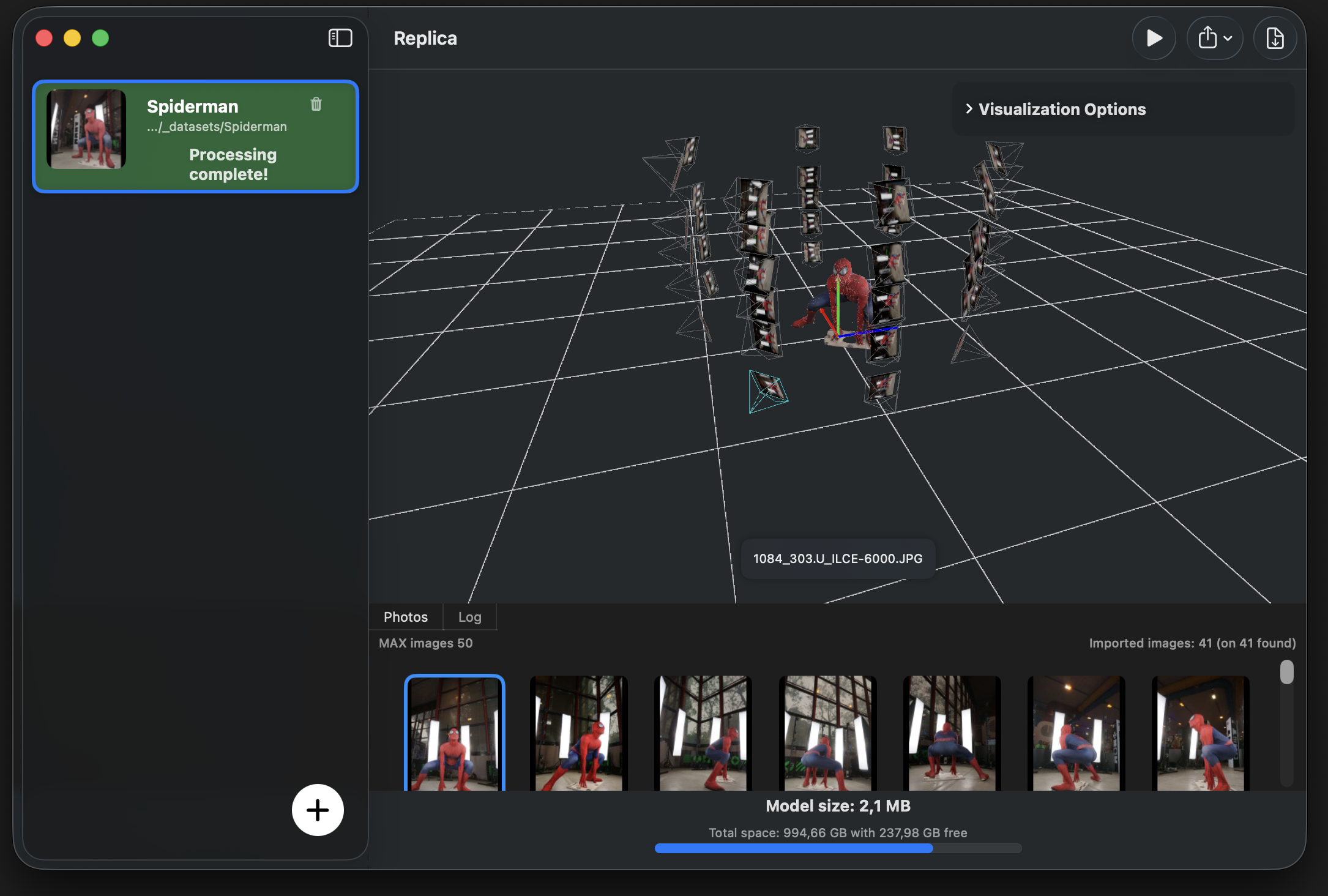
There is no official Meshroom build for macOS, and the workarounds are painful. Here is where Meshroom genuinely shines, where Replica picks up on the Mac, and how to choose based on the hardware you already own.
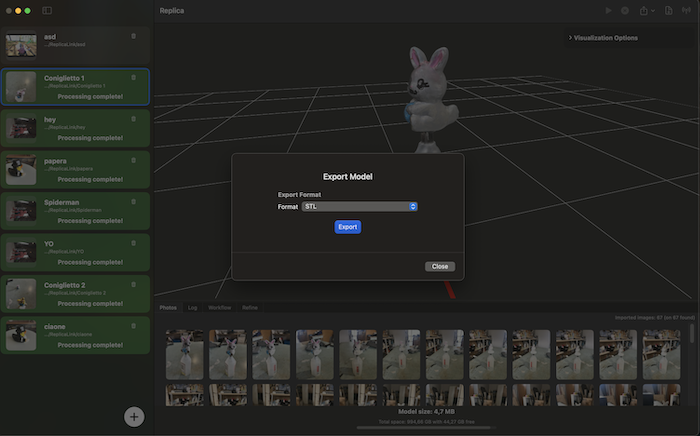
Heightmap, single-image AI, multi-image AI, photogrammetry — four different methods hide behind the same search phrase. Here's which one matches what you actually want to print.
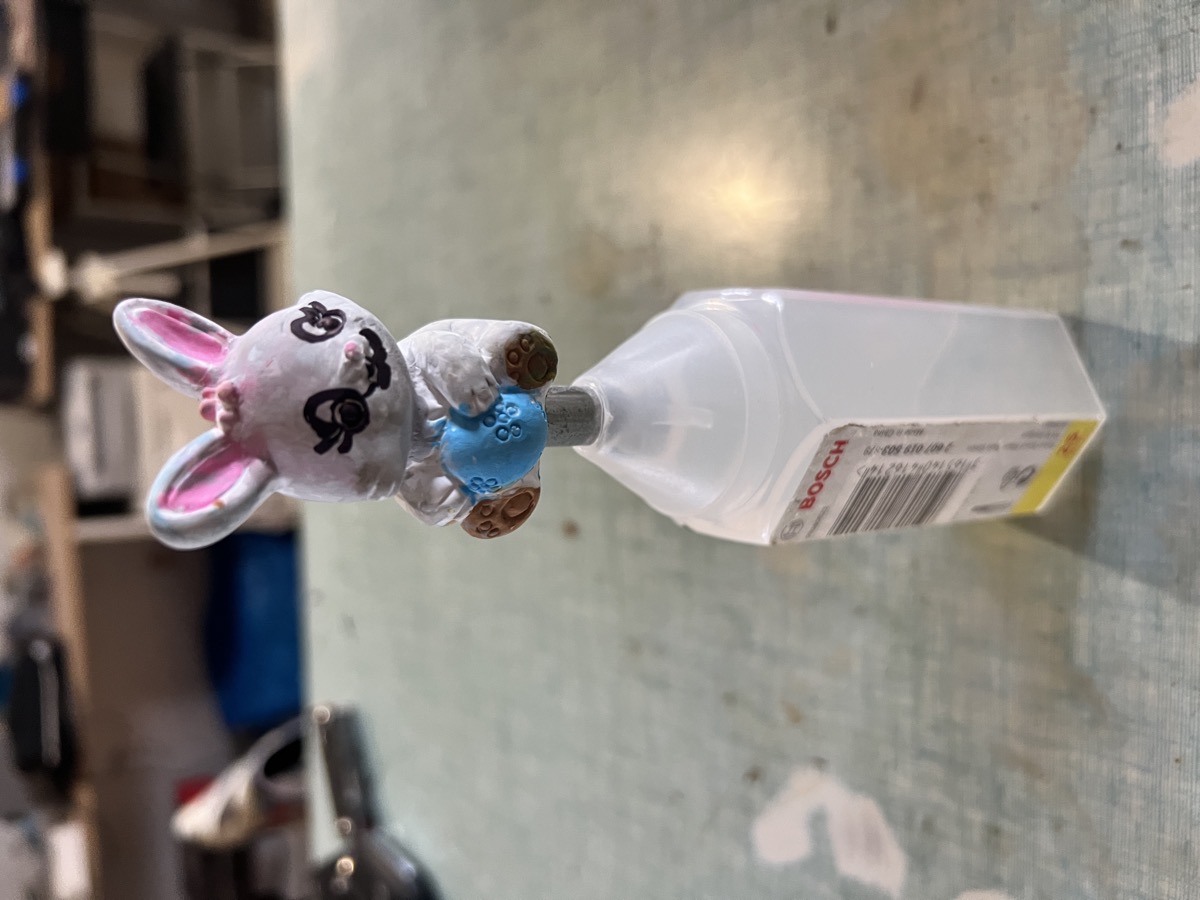
You don't need a Pro iPhone with LiDAR to capture production-quality 3D models. Any iPhone since 2018 will do — here's the photogrammetry workflow that wins.
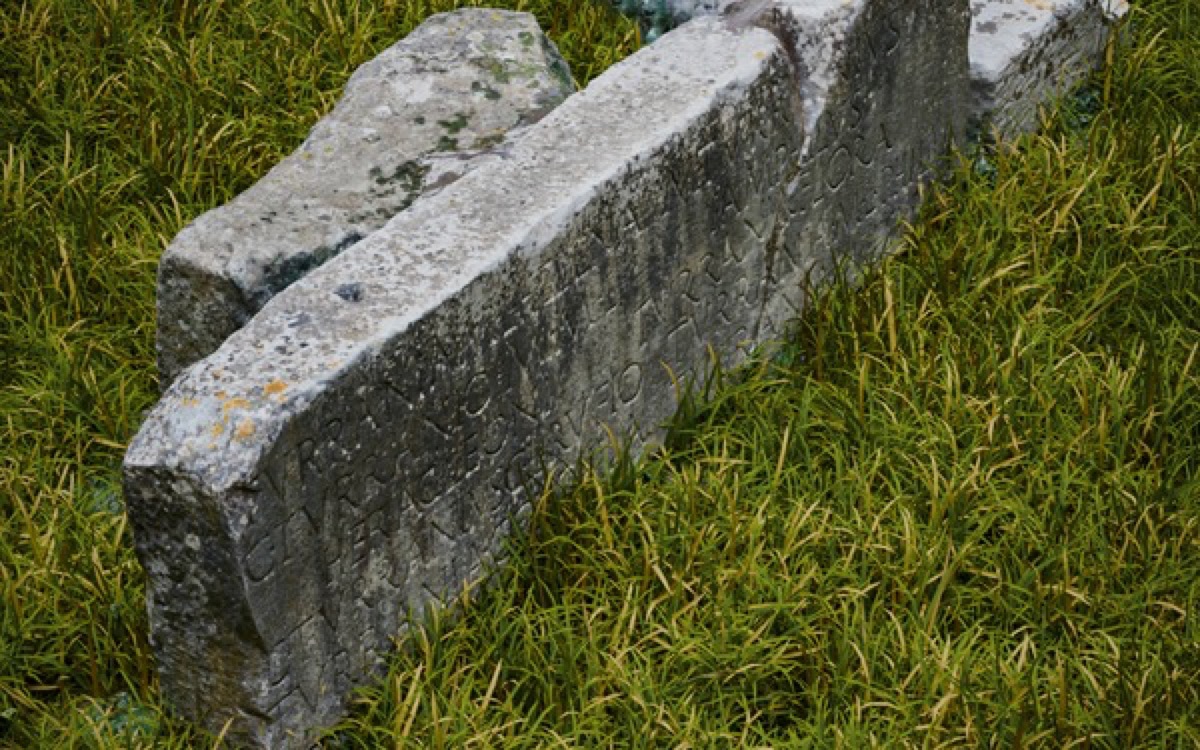
Meta's SAM 3D turns a single photo into a 3D mesh in seconds. Impressive — and not a replacement for photogrammetry. Here's where each one wins.
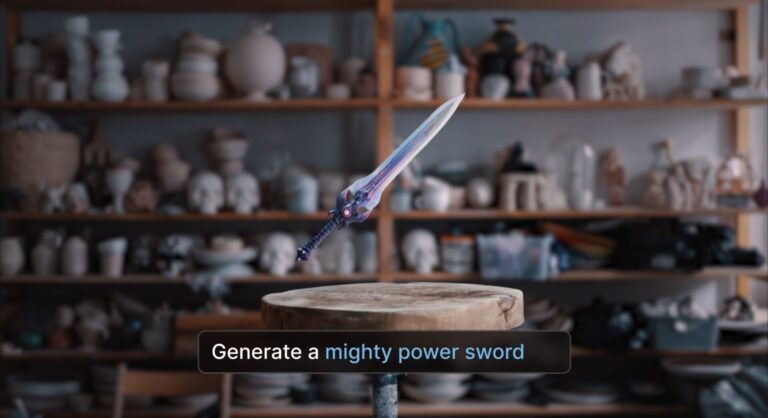
Autodesk's new Wonder 3D is built "for iteration, not perfection." That phrase tells you exactly which projects belong on the AI side — and which still need real, captured geometry.
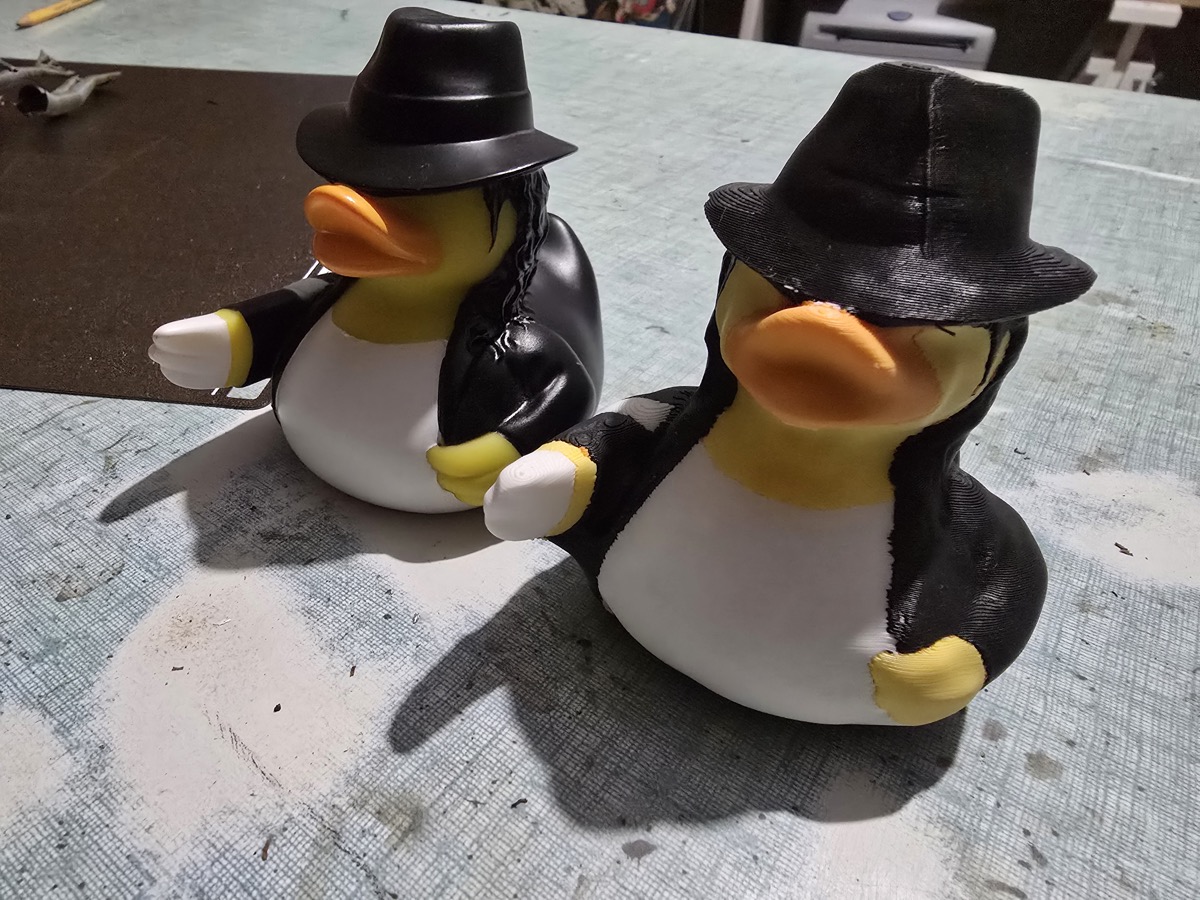
One gives you geometry you can measure, print, and edit. The other gives you visuals almost indistinguishable from a photograph. Here's how to pick the right one.
A dozen tools call themselves free. Some genuinely are. Here's an honest breakdown of what you get without paying — and where the hidden costs show up.
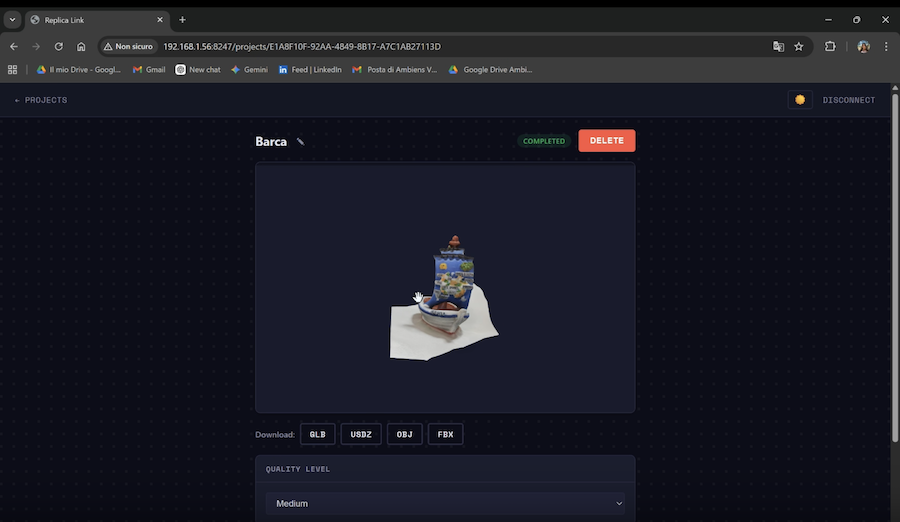
Turn your Mac into a local photogrammetry server. Upload photos, launch reconstructions, and preview 3D models from any device on your network.
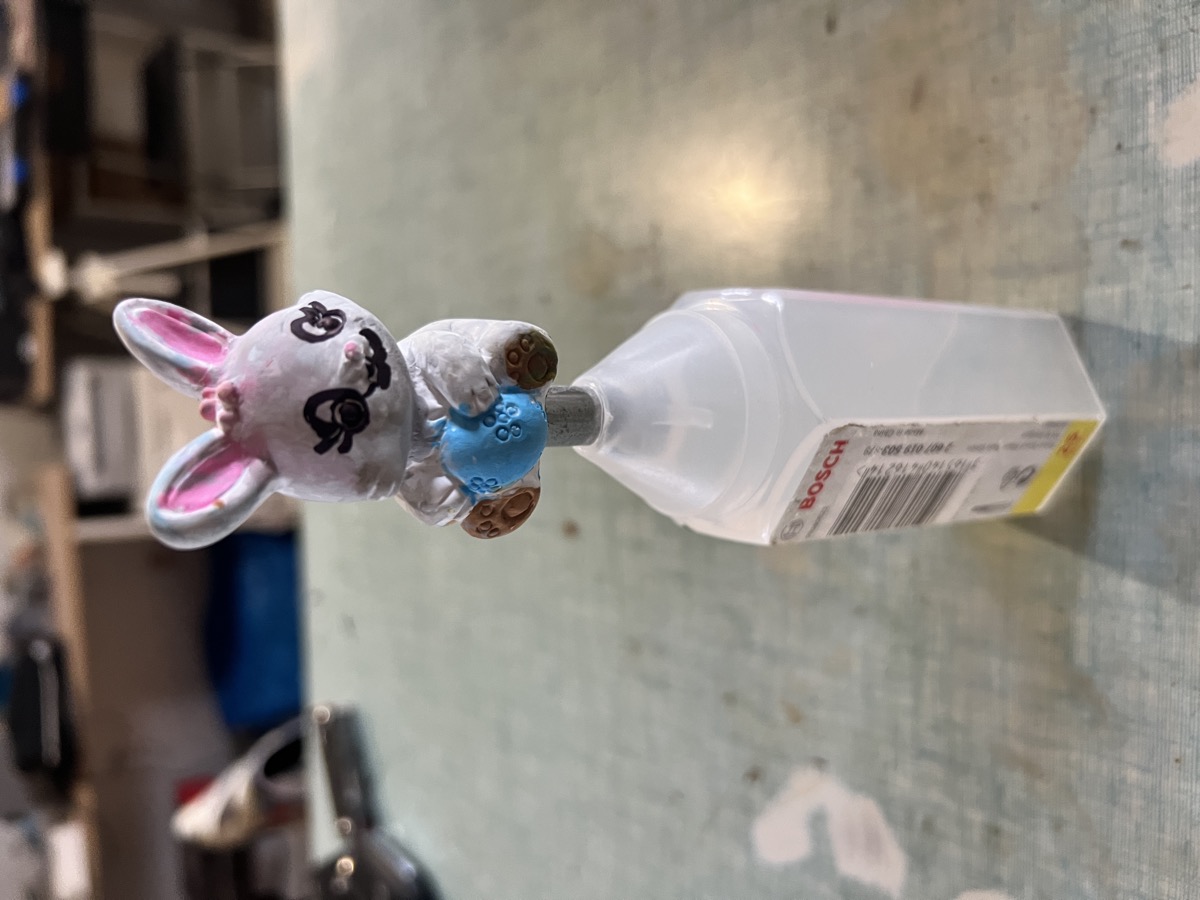
Turn real-world objects into 3D prints using photogrammetry. From a quick STL export to full multicolor 3MF files with Chroma3MF for Blender.
Get help, share your scans, and talk shop with other Replica users and the team behind it.
JOIN OUR DISCORD