
Free tool · No sign-up · Runs in your browser
AprilTag scale bar generator
Design a rigid bar with two AprilTag markers, print it in two colours, measure it, and drop it into your scene. Your photogrammetry scan gets a real-world scale you can check.
Loading 3D preview…
- Nominal distance
- 150 mm What you asked for
- Distance in the STL
- 150 mm Nominal × XY factor
- Measured distance
- — Fill in after printing
- Size (X × Y × Z)
- — Check that it fits your print bed.
- Cell size
- —
- Filament change at
- —
Download
3MF: white base and black pattern already coloured; Bambu Studio and OrcaSlicer ask which filament to use for each. STL: one colourless object, add the filament change in the slicer. Everything is generated in your browser. Nothing is uploaded.
Printed it? Add the real measurement
Measure the printed bar (see below) and write the result here. The JSON sheet stores it next to the nominal value; it never copies one into the other.
Measure it the same way, between the same corner of the two black squares. It lets Replica check that the angle is square.
Restores the settings of a bar you generated before.
From file to scaled scan
-
01
Print it flat
Import the STL in millimetres, lay it flat on the bed, no supports. Start in white and add one filament change to black at the height shown above.
-
02
Check the print
Compare both markers with the preview: every cell in place, sharp edges, no stringing across the white. The bar must lie flat without rocking.
-
03
Measure it
Use callipers to measure the real distance between the two markers, as shown below. Plastic shrinks: do not assume the nominal value.
-
04
Shoot your scene
Place the bar near the subject, on the same surface, where it stays still for the whole capture. Take several views where both markers are sharp and not too oblique.
-
05
Scale the model
Use the measured distance to scale the reconstruction, then check it against a second known distance.
How to measure the printed bar
The two markers have the same size, so the distance between their centres equals the distance between the same edge on both markers. Measure from the left outer edge of the left black square to the left outer edge of the right black square. The black cells stand out from the base, which gives the calliper jaws a clean step to rest on.
- Measure along both long sides and average the two values.
- Measure at room temperature, a few hours after printing.
- Do not rely on the nominal length: it is a target, not a certificate.
Replica for macOS
Turn your photos into a 3D model, on your Mac
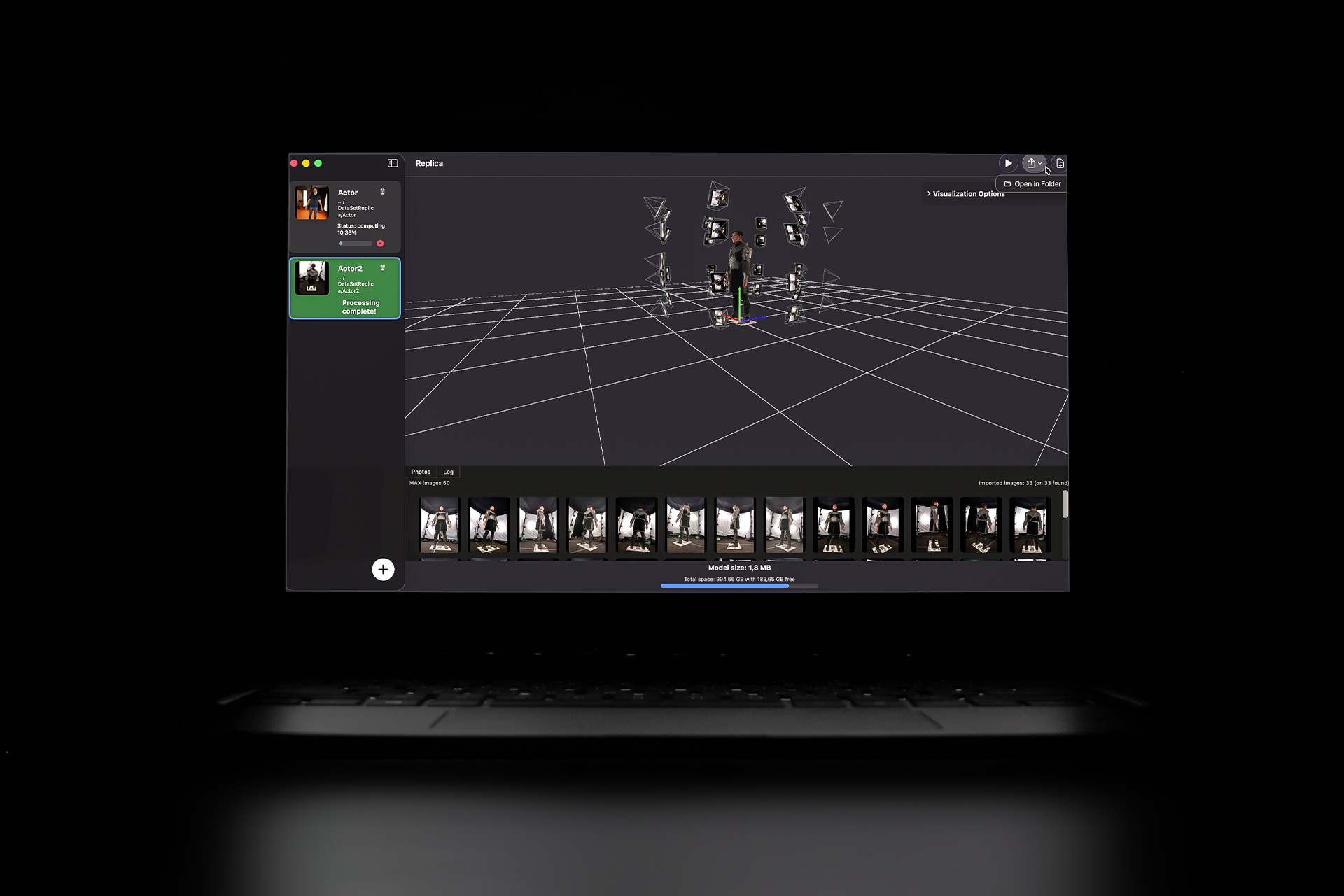
Replica is native photogrammetry software for macOS. Import your photos, process them locally with Apple hardware acceleration, and export clean, watertight models for Blender, Unreal, Unity or your VFX pipeline.
In Replica, Refine → AprilTag Scale Bar reads the JSON sheet, finds both markers in your photos and scales the model to the distance you measured.
Free plan · macOS 12 or later
Good to know
- This is not a certified measuring instrument. Accuracy depends on your printer, the material and how you measure.
- The STL has no colours and no units: import it in millimetres and set the filament change in your slicer.
- Where two black cells touch only at a corner, the file keeps them 5 µm apart so the mesh stays manifold. That is far below what a printer can resolve, and the slicer closes the gap.
- AprilTag markers: family tag36h11 from AprilRobotics/apriltag (BSD 2-Clause), reproduced cell by cell without changes.
- Text is set in Space Mono Bold (SIL Open Font License). Custom logos stay in your browser and are never uploaded.